
SpeamCore package
From job to signed handover — with no paper in between.
Work orders, services, checklists, assets and defects in one flow. The technician sees what to do on their device; the office turns it into an invoice.
13
modules in the package
59,99 €
per user and month
QR
every asset uniquely identified
Where service jobs lose money
"The report is still in the van."
Days pass between the job and the invoice because the paperwork has to be carried back to the office first.
"Which asset was that again?"
Without unique labelling, maintenance lands on the wrong object — and the next inspection date is in nobody's calendar.
"That defect was never fixed."
Found, noted, forgotten. Without a deadline and an owner, a defect stays a footnote in the report.
A job that documents itself.
Work orders
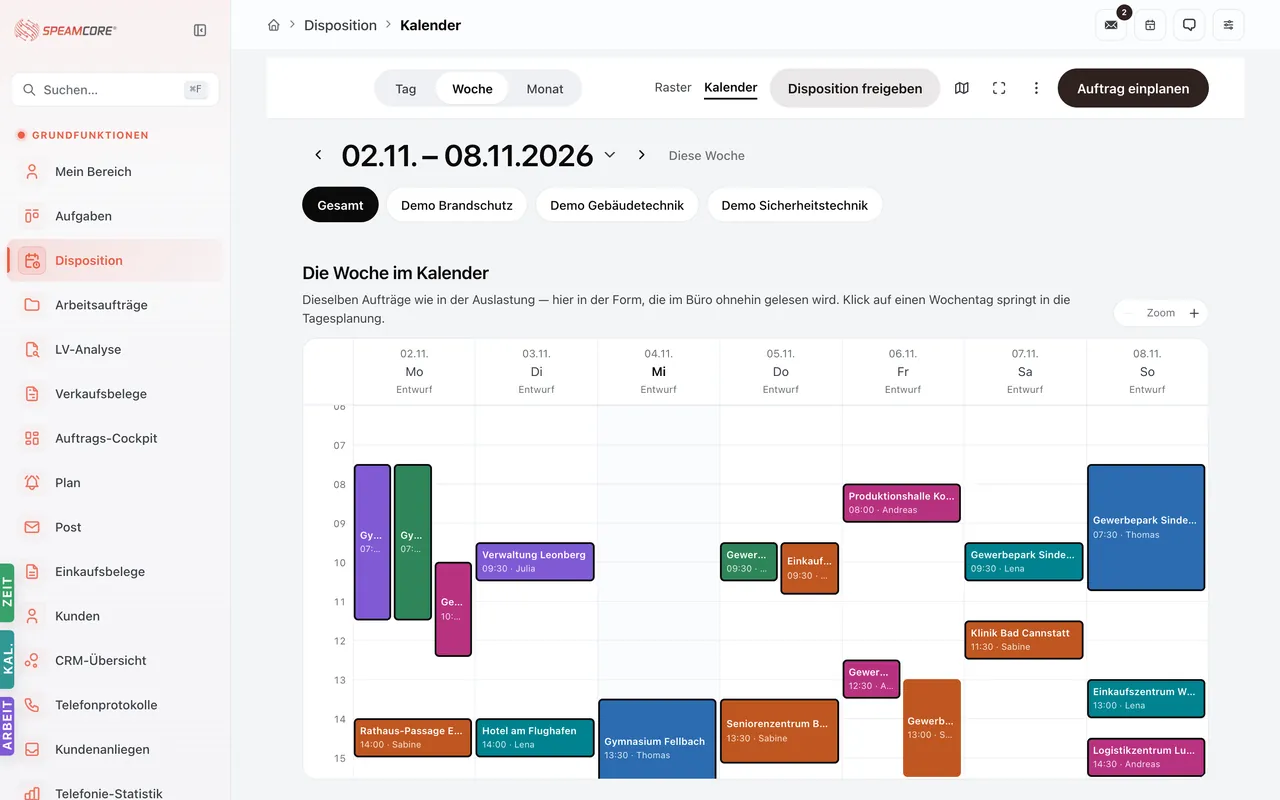
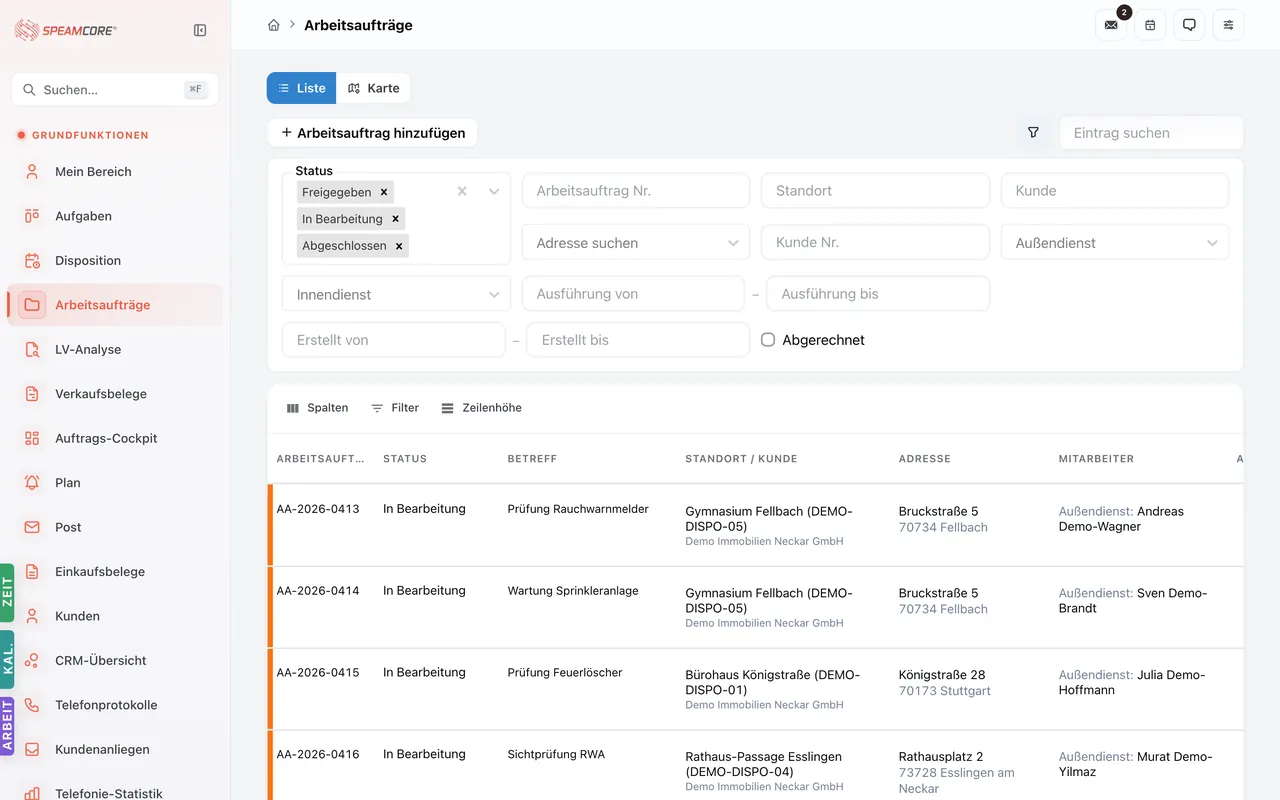
Dispatch with the full context
A job with customer, site, asset, material and date. The technician opens it on mobile and sees the history, open defects and the checklist for the visit.
Services
Recurring services under control
Services mapped to assets and cycles, with service times and reporting. Due maintenance becomes visible before the customer calls.
Assets & QR
Every object unambiguous
Assets with components, location and inspection history. QR IDs put the technician in the right record within seconds on site.
Checklists
Inspection steps instead of memory
Service checklists guide the visit and document every step — the basis for sign-off and proof.
Defects
A finding with a deadline
Defects with category, list and operator. Every defect gets an owner and a date and stays visible until it is fixed.
The job creates the invoice — not the other way round.
Times, material and the completed checklist hang on the job. Once the visit is finished, the invoice line is already there. The office reviews and issues instead of reconstructing. Defects found during the visit continue as their own case and do not become part of that invoice.
Requires the sales package — quote, order confirmation and invoice are created there.
Job dispatched, technician assigned
Office
Checklist completed, times recorded
On site
Defect recorded with deadline and owner
On site
Invoice from times and material
Office
Rollout in four steps
Record your assets
Create existing assets with location and components — by import or during the first visit.
Define services
Which service on which asset in which cycle. That becomes your maintenance plan.
Build checklists
Take the inspection steps from your existing forms — one list per service type.
Roll out on mobile
Onboard technicians, apply QR labels, run the first jobs. From there the process documents itself.
Per user — only for the people who use it.
€59.99 / month per user
plus VAT · requires the platform core and the sales package
Questions we hear often
Does it work without internet on site?
Data entry is built for mobile use. In basements and dead spots entries are held and transmitted as soon as there is a connection again.
Can customers see their own assets?
Yes, through customer accounts from the platform core — you decide what is visible.
Do we also need SpeamBox?
Only if assets are to be monitored technically. For maintenance, inspection and documentation this package is enough.
How do defects and jobs connect?
A defect can trigger a follow-up job directly. The chain finding → fix → proof stays visible on the object.
Let's run one real maintenance job together.
Bring a typical visit — we map it in the system, from dispatch through to the invoice.